Local Sun
Circadian display control for Mac
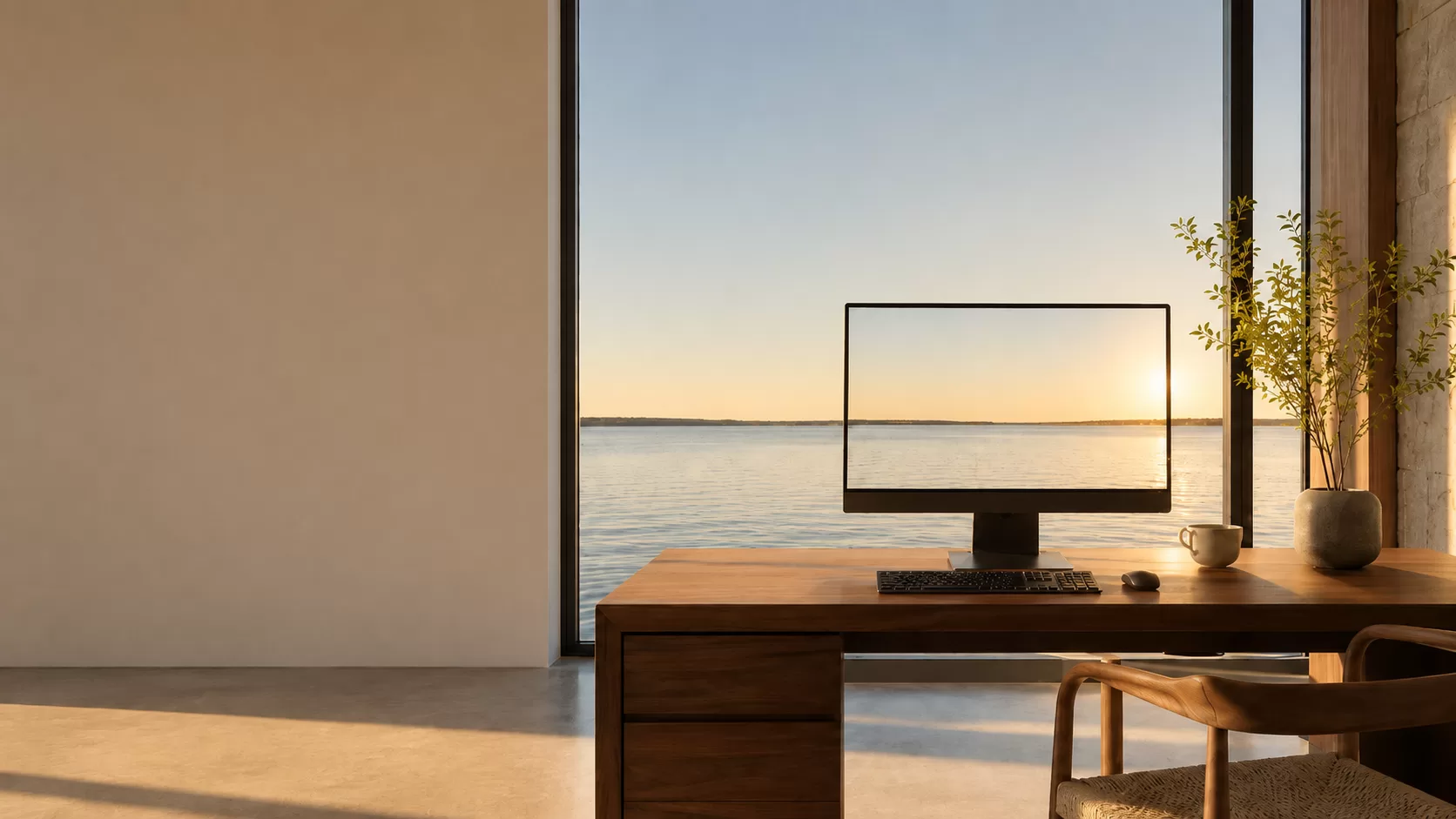
Your screen
Local Sun calculates the sun's position where you are, then changes
your display's blue light and software brightness with it.
Unlike a fixed schedule, Local Sun follows local solar position. As the
sun lowers, your display warms and dims; Command + brightness lets you
choose how strongly.
01
Follows local daylight
Sun position and twilight, calculated locally
02
Changes color + brightness
Blue light and software luminance move together
03
Stays on your Mac
No account, tracking, or cloud
Get Local Sun
$29
->
Download on release. One payment.
Late morning
Privacy
Your location stays on your Mac.
Local Sun uses macOS Location Services only to calculate the sun's position
for the device's local daylight cycle. The saved latitude, longitude, and
display preferences remain in local macOS preferences.
Local Sun has no account, analytics, advertising, tracking, remote database,
or network service. It requests Input Monitoring and Accessibility access only
to recognize the Command + brightness shortcut and apply the local display
change. It does not read, record, store, or transmit typed text.
Terms
One copy. One payment. All sales final.
Local Sun is licensed software, not a transfer of ownership. A completed
purchase gives one person a personal license to use the macOS application on
Macs they own or control. Do not resell, redistribute, sublicense, or reverse
engineer the application.
The price is $29 as a one-time purchase. There is no subscription. All sales
are final and no refunds are offered, except where a refund is required by
applicable law. The application is provided as-is, without a promise that a
display, macOS update, permission state, or keyboard firmware will work with
every feature at every time.
Local Sun changes display color and software brightness. It is not medical
advice and is not a treatment for sleep, circadian, vision, or other health
conditions. Use the product at your own judgment and follow applicable
macOS permission prompts.
One-time purchase
Local Sun will be $29.
Pay once and keep it. No subscription. Sales open with the signed macOS
release. All sales are final, with no refunds except where required by law.
Secure checkout and license delivery will be connected here before release.
 Local Sun